Let’s be honest: receiving large files can be a hassle.
Your colleague sends you a 2GB video file via a FileXL link. You need to keep it for a project next month. In the old days, you had to download that massive file to your computer (eating up your data), wait for it to finish, and then re-upload it to your own account to keep it safe.
That is a waste of time, bandwidth, and patience.
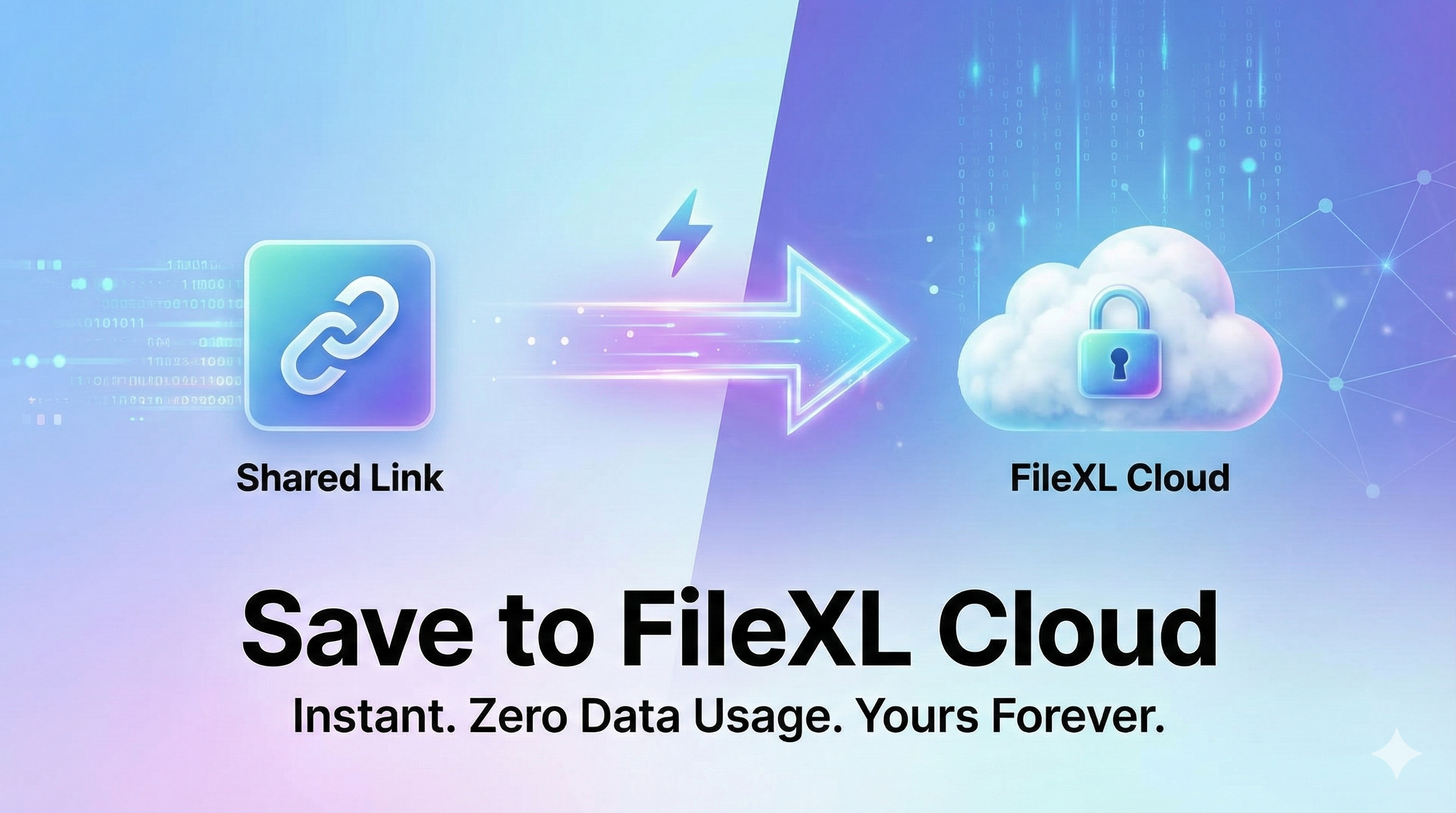
Today, we are changing that. We are thrilled to introduce our smartest feature yet: Save to FileXL Cloud.
What is "Save to Cloud"?
Save to Cloud allows you to take any file shared with you on FileXL and instantly "claim" a copy for your own dashboard.
It doesn't matter if the file is 10MB or 10GB. When you click that button, the file appears in your account instantly. No loading bars. No data usage. It’s magic.
Why You Will Love This Feature
1. Zero Data Usage 📉
If you are on a mobile data plan or have slow internet, this is a lifesaver. Since the file is already on our servers, we just move it from the sender's folder to yours. You don't spend a single MB of your own data to "download" or "upload" it.
2. It Becomes Your File 🔒
This is the most important part. Usually, shared links expire after 14 days. But what if you need the file for longer? Once you click "Save to FileXL Cloud," that file becomes yours.
If the original sender deletes the file? You still keep your copy.
If the original link expires? Your copy stays active.
You get a fresh expiry countdown (e.g., another 14 days or longer for Premium users).
3. Lightning Speed ⚡
Re-uploading a 5GB file can take an hour. Saving it to your cloud takes 0.1 seconds.
How It Works (The "Smart" Tech)
For the tech-savvy users out there, you might be wondering: "How do you copy 10GB instantly?"
We use a technology called Data Deduplication (or Single Instance Storage).
When User A uploads a file, we store it securely on our disk. When you (User B) click "Save," we don't physically copy the data. Instead, we create a secure, private "pointer" in our database that links your account to that physical file.
This means:
For You: It acts exactly like a new file. You can rename it, move it, or delete it without affecting the original sender.
For Us: We save hard drive space, which helps us keep FileXL fast and free for everyone.
How to Use It
Open any FileXL shared link.
Look for the "Save to FileXL Cloud" button below the download button.
If you are logged in: The file is added to your dashboard instantly.
If you are a guest: You will be asked to Login or Register (it takes 30 seconds). Once you're in, the file is yours!