Quick Answer
To send files to a print shop securely, avoid using WhatsApp. Instead, ask the shop if they have a direct file upload link or QR code. Using a direct link protects your personal phone number from being saved on public computers, prevents your documents from being compressed, and lets you send large files instantly.
The WhatsApp Trap at the Print Counter
We have all been there. You walk into a local photocopy or print shop with a document you need printed immediately. The person behind the counter points to a sign and says, "Just send it to our WhatsApp number."
It seems convenient in the moment, but sending your files through a chat app to a public business computer is a massive mistake for two major reasons: your privacy and your print quality.
Why You Should Never WhatsApp Your Documents
1. Your Personal Number is Left Behind When you message a print shop, your personal phone number, profile picture, and name are permanently saved on their computer. Hundreds of people use those shop computers every week. If that PC gets compromised or someone scrapes the chat logs, your number can be added to spam lists, exposing you to fake OTP messages, phishing scams, and unwanted promotional calls.
2. Ruined Print Quality (Compression) Chat apps are designed for quick text messages, not professional printing. When you send a crisp, high-resolution poster or a detailed PDF, the app automatically compresses the file to save data. What looked perfect on your screen will often print out blurry, pixelated, and unprofessional.
3. The "Save Contact" Hassle To send the file, you usually have to save a temporary business number into your phone's contact list, cluttering your contacts with random print shops you may only visit once.
The Smart Way to Send Your Files
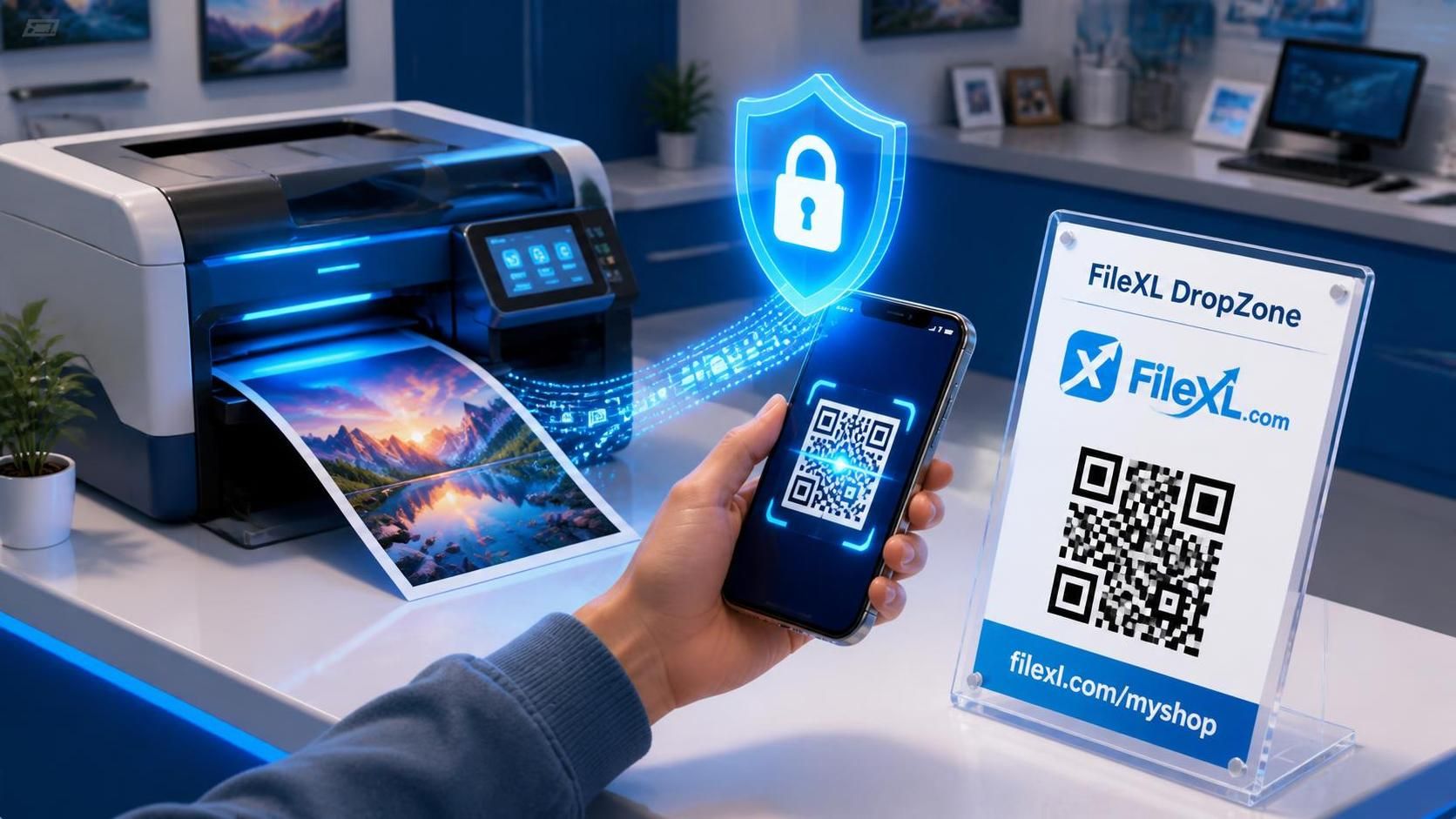
The safest way to transfer your documents is to use a direct web upload link. Modern print shops use platforms like FileXL to provide a secure "DropZone" for their customers.
The next time you need to print something, look for a QR code on the counter or ask, "Do you have an upload link instead of WhatsApp?"
Here is why this is the ultimate way to print:
100% Privacy: You scan the shop's QR code with your phone camera, pick your file, and hit send. No phone numbers are exchanged, and your private data remains completely hidden.
Original Quality: Because you are uploading through a browser, your heavy PDFs, CAD files, and high-resolution images are transferred in their original, uncompressed state.
No Apps or Accounts: You don't need to download a new app or register for an account to send the file. It works instantly in your phone’s normal web browser.
Protect Your Data
Your phone number is the key to your digital identity. You shouldn't have to hand it over just to print a college assignment or a return shipping label. By using a secure file drop link, you keep your data private and guarantee your prints come out looking perfect.
If your local print shop is still forcing you to use chat apps, tell them it’s time to upgrade to a secure upload link.