Quick Answer
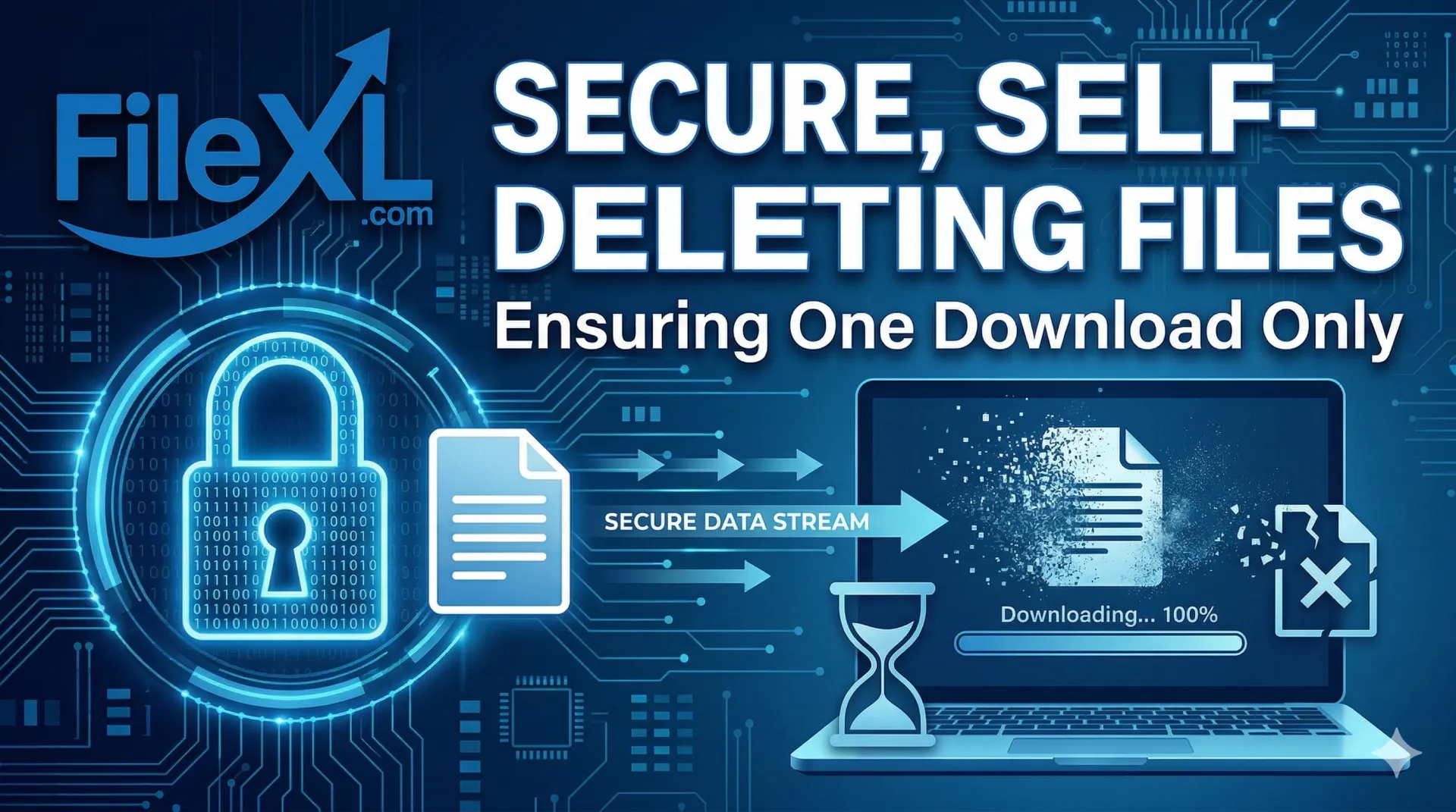
Send a secure file that automatically deletes itself after one download using FileXL’s self‑destructing file transfer. FileXL lets you upload large files, photos, videos, and documents for free, set a one‑time download limit, add password protection and custom expiry, and then auto‑delete the file once it’s downloaded. With features like drag‑and‑drop uploads, folder support, resumable transfers, QR code sharing, and file analytics, FileXL makes confidential sharing simple, private, and fully temporary—no signup required and with 100 GB on signup for 14 days of validity.
How to Send a Secure File That Automatically Deletes Itself After One Download
Ever needed to share a sensitive document—like a contract, medical report, or confidential photo—without worrying it'll linger online forever? In today's world of data breaches and prying eyes, regular file-sharing tools just don't cut it. You need something smarter: a secure file transfer that auto-deletes after one download. This ensures your file vanishes once the recipient grabs it, slashing risks of unauthorized access.
Luckily, tools like FileXL make this dead simple. FileXL is a free, no-signup-required service for transferring large files (photos, videos, documents) up to massive sizes, with built-in auto file destruction as a standout feature. Let's break down how to do it step-by-step, why it works, and why FileXL beats the competition.
Why Choose Self-Destructing Files for Secure Sharing?
Traditional cloud storage (think Google Drive or Dropbox) keeps files around indefinitely unless you manually delete them. That's a liability. Self-destructing file sharing changes the game by:
Automatically deleting the file after one download (or a set number of views).
Adding layers like passwords, expiry timers, and analytics to track access.
Protecting privacy without needing accounts or complex setups.
This is perfect for freelancers sharing client bids, lawyers sending case files, or anyone avoiding data leaks. Search volume for "files that delete after download" is booming—because security matters now more than ever.
Step-by-Step: Send a File That Auto-Deletes After One Download with FileXL
FileXL specializes in secure, temporary file sharing with no limits on file size or uploads. Here's how to set it up in under 2 minutes:
Visit FileXL: Head to https://www.filexl.com. No signup needed—jump right in.
Upload Your File: Drag and drop files, paste screenshots, or upload folders. Supports resumable uploads for big files (even 100GB+ with optional signup for 14-day validity).
Enable Auto File Destruction: Toggle Auto file Destruction to make it delete after one download. Customize with:
Custom Expiry (e.g., 1 hour or 7 days).
Password Protection for extra security.
One-time download limit.
Generate Share Link: Get a shareable link, QR code, unique code, or even email transfer. Add voice notes or scheduled sends for polish.
Track and Destroy: Use File Analytics to see downloads. Once grabbed, the file self-destructs—no traces left. Preview before download keeps things safe.
Boom—your file is shared securely and gone forever after use. Resumable downloads mean no interruptions even on spotty connections.
Why FileXL Is the Best Tool for Self-Destructing File Transfers
FileXL isn't just about auto-deletion; it's loaded with pro features for large file transfer without limits:
Multiple File Uploads & Folder Uploads—bundle everything at once.
Drag and Drop Support & Paste Files/Screenshot—super intuitive.
Quick Edit for Text Files—tweak on the fly.
Password Protection, Custom URL, & Custom Branding—tailor for business.
Share by QR Code, E-mail Transfer, & Email Me Link—flexible sharing.
Voice Note with File & File Chat—add context without extra apps.
Two-Way File Transfer—recipients can reply with files.
Preview Before Download—no surprises.
Scheduled Transfer—time it perfectly.
No Signup Required—instant access (100GB bonus on optional signup*).
*14 days file validity.
Compared to clunky alternatives, FileXL shines for secure file sharing that deletes itself. No ads, no watermarks, just reliable tech.
Real-World Example: Sharing a Confidential Contract
Imagine you're a consultant emailing a proposal. Upload to FileXL, set auto destruction after one download, password-protect it, and share via QR code at a meeting. Recipient downloads—file gone. Analytics confirm it. Zero risk of it floating around forever.
FAQs: Secure Self-Destructing File Sharing
Does FileXL really delete files after one download?
Yes—Auto file Destruction ensures it. Customize limits via dashboard.
Is it free for large files?
Totally. Unlimited transfers, no signup for basics; 100GB* on signup.
How secure is it?
End-to-end with passwords, expiry, and analytics. Perfect for files that auto-delete.
Ready to try? 👉 Visit FileXL now: https://www.filexl.com and send your first self-destructing file today.