Quick Answer
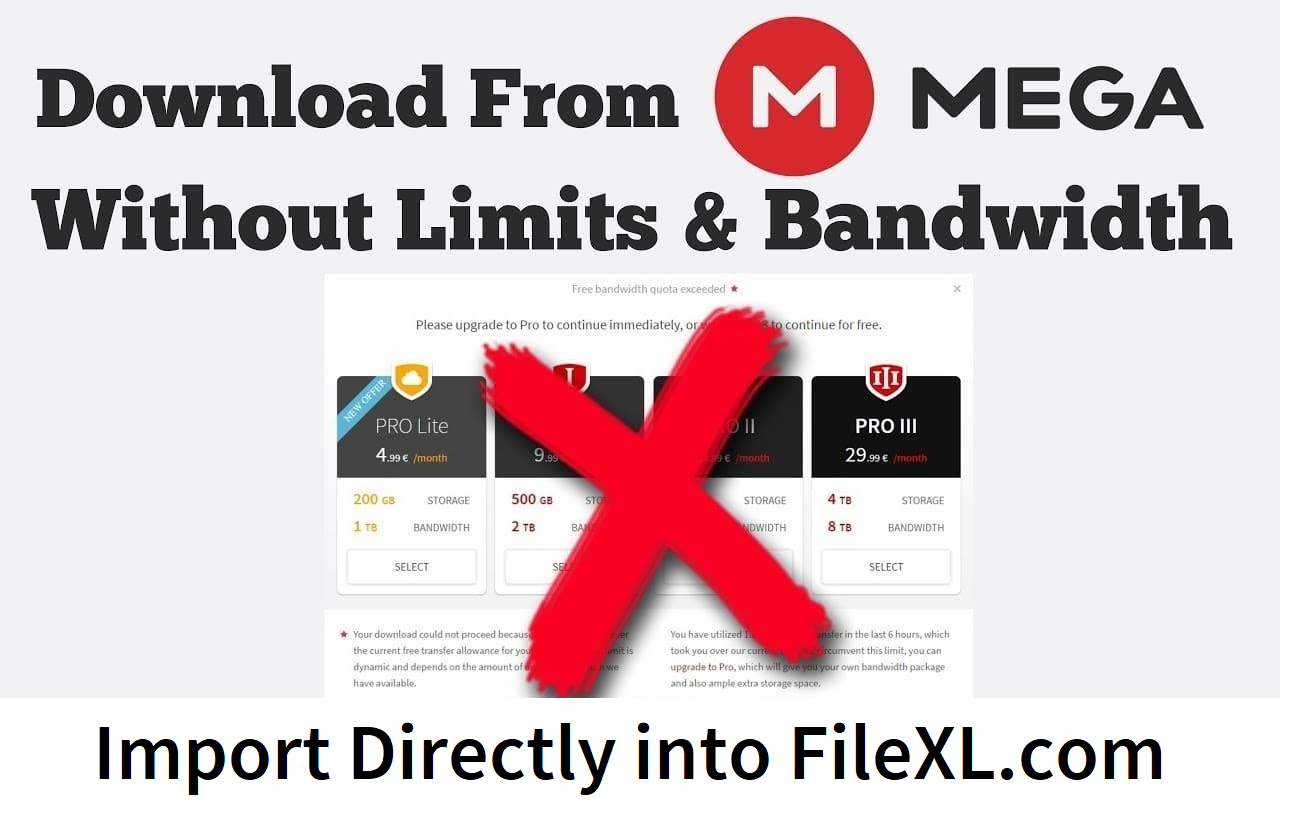
If you’re stuck with MEGA’s transfer quota and tired of downloading large files just to re‑upload them elsewhere, FileXL now lets you import directly from MEGA.nz to FileXL in one click. You paste a MEGA share link, clicks “Import,” and your files move server‑to‑server—no download, no re‑upload, and no MEGA transfer limits. This is especially useful for students, teachers, and teams who store files on MEGA but need an unlimited, fast sharing layer.
Tired of hitting MEGA's transfer quota just when you need to share that massive lecture video or project folder? Or wasting hours downloading from MEGA.nz, then re-uploading somewhere else? FileXL just fixed that with our new direct import from MEGA feature. Now, you can pull files straight from your MEGA account to FileXL in one click—saving bandwidth, time, and frustration. It's free, it's fast, and it's a game-changer for students, teachers, and anyone juggling big files.
Why Direct MEGA Import on FileXL Beats the Old Way
Imagine this: You've got 15GB of research data stored on MEGA (their generous free tier). But sharing it? MEGA's transfer limits kick in after a few downloads, forcing you to upgrade or scramble. With FileXL's new tool, paste your MEGA share link, hit import, and boom—files land in your FileXL dashboard ready to share worldwide. No double-handling means:
Zero bandwidth waste: Skip the download/upload cycle entirely.
Bypass MEGA limits: Free MEGA users get unlimited sharing via FileXL's 15GB free tier.
Lightning speed: Especially clutch for 10GB+ files that used to take hours.
We built this because real users like you asked for it. No other free service (WeTransfer, SendGB, or Smash) offers MEGA integration—FileXL does, making us the smartest bridge for MEGA power users.
Step-by-Step: Import from MEGA to FileXL in Seconds
Getting started is dead simple. Here's how:
Grab your MEGA link: In MEGA.nz, right-click your file or folder > "Get link." Make sure it includes the decryption key (standard for public shares).
Head to FileXL dashboard: Log in at filexl.com (or sign up free—no card needed).
Paste and import: Enter the MEGA link in the "Import from MEGA" box and click Import. Files transfer server-side.
Share instantly: Generate a link, QR code, or email it with password, expiry, or even chat features.
Pro tip: It works with folders too. Test it with a small file first—takes under 10 seconds.
Real-World Wins: Students and Teachers Love It
Students: Prof shares course notes via MEGA link? Import to FileXL, use Quick Edit to add your highlights, then send back via File Chat. No quota drama.
Teachers: Hoard lectures on MEGA's 20GB free storage. Import only what you need to FileXL for secure student shares with custom passwords.
Freelancers/Teams: Move client files from MEGA to FileXL for collaboration without re-uploads.
This isn't hype—it's how FileXL connects your storage (MEGA) with seamless sharing.
FileXL vs. the Competition: Why We Win on MEGA Imports
FileXL isn't just bigger—it's smarter with exclusive integrations.
Ready to Ditch MEGA Limits? Try It Now
Direct import from MEGA.nz to FileXL is live today. Store smart on MEGA, share unlimited on FileXL. Head to filexl.com, paste a link, and see the magic.
What MEGA files are you importing first? Drop a comment below—we're always adding features based on your feedback!