Quick Answer
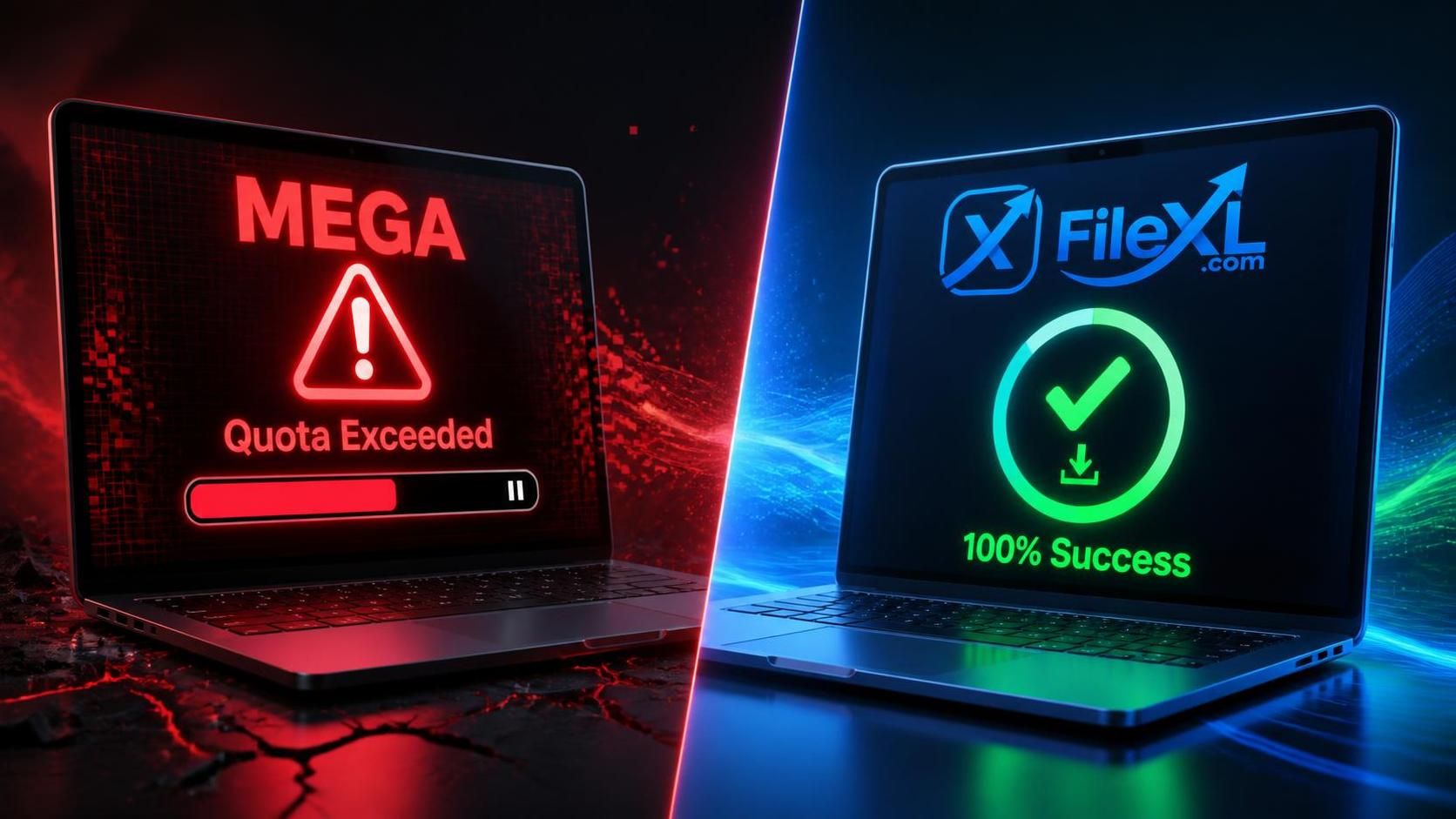
What does transfer quota exceeded mean on Mega, and how do you fix it? The "Transfer quota exceeded" message on Mega means your IP address has downloaded too much data (typically around 5GB) within a 6-hour window on a free account. To fix this instantly without buying a premium subscription or waiting, you can use FileXL. Simply log into your free FileXL dashboard, click "Upload," select "Import from Mega," and paste your Mega link. FileXL will instantly transfer the files directly to your account, allowing you to download and share them with zero transfer limits.
How to Fix the "Mega Transfer Quota Exceeded" Error in Seconds
If you regularly download large files, software, or course materials, you have almost certainly hit the dreaded wall: a pop-up warning that says "Mega transfer quota exceeded."
Right when you are at 99% of a massive download, the transfer pauses, and you are told to either wait up to 6 hours or pay for a premium account.
If you are seeing this error right now, do not panic. You do not need to buy a premium subscription, and you do not need to mess around with unreliable VPNs. Here is exactly what this error means and the ultimate, free trick to bypass it instantly using FileXL.
What Does "Transfer Quota Exceeded" Mean on Mega?
Mega operates on a dynamic bandwidth limit for free users. While they give you a generous amount of free storage space, they strictly monitor how much data you are pulling from their servers.
When you see Mega transfer quota exceeded, it simply means your specific IP address has downloaded too much data within a specific time frame. Depending on your region and server load, Mega usually caps free downloads at around 5GB every 6 hours. Once you hit that invisible ceiling, your download freezes.
The platform relies on this friction. They pause your download, hoping you will get frustrated enough to pull out your credit card and upgrade.
The Old (and Annoying) Ways to Fix It
Historically, users tried to bypass this by restarting their Wi-Fi routers to get a new IP address or installing free VPNs. But these methods are flawed:
- Free VPNs have terribly slow download speeds, meaning your 5GB file will take hours.
- Mega actively blocks many popular VPN IP addresses.
- If your download was halfway done, changing your IP can sometimes corrupt the download cache, forcing you to start all over again.
There is a much smarter, faster way.
How to Fix "Transfer Quota Exceeded" Mega (The Best Method)
Instead of trying to trick Mega into letting you download the file directly, you can use FileXL to fetch the file for you. FileXL is a high-speed file transfer platform with a built-in Mega import tool.
By pasting your Mega link into FileXL, the transfer happens server-to-server. FileXL pulls the file directly from Mega in seconds, and then you can download it from FileXL with absolutely no transfer limits.
Here is the step-by-step guide to doing it:

Step 1: Get a Free FileXL Account
Go to www.filexl.com and register for a free account. It takes just a few seconds. If you already have an account, simply click Login.
Step 2: Access Your Dashboard
Once logged in, you will be automatically redirected to your user file management dashboard. This is your central hub for moving heavy files.
Step 3: Use the Mega Import Tool
In your dashboard, click on the Upload button. Instead of choosing a file from your computer or phone, select the Import from Mega option.
Step 4: Paste and Transfer
Paste the URL of the Mega file or folder that is stuck on the quota error, and click Import. Because this happens server-to-server, it does not use your personal internet data or bandwidth to move the file. All your files in the Mega drive will be securely and instantly transferred to your FileXL account.
Step 5: Download and Share Without Limits
Your file is now safely hosted on FileXL. You can download it immediately at blazing-fast speeds without worrying about any "transfer quota exceeded" pop-ups.
Even better, if it is a file you need to send to others, you can generate a share link or make the entire folder public. Your friends and colleagues can download it instantly—FileXL enforces zero transfer limits on your shared public links.
Why FileXL is the Ultimate Mega Alternative
When you are moving heavy payloads—whether they are 4K video projects, massive software packages, or gigabytes of university study materials—artificial download limits destroy your productivity.
By routing your heavy Mega links through your FileXL dashboard, you take back control of your data. You bypass the restrictive quotas, you save your mobile data through server-to-server importing, and you get an ecosystem built for true, unlimited sharing.
Next time you see the Mega transfer limit warning, don't wait 6 hours. Drop the link into FileXL and keep moving.